
The Governance Packages
Two packages, one standard: prove it, and respond to it.

Governance records built to survive the day they're tested.
-
The Security Governance Package gives a district one defensible readiness record for every vendor, built at adoption, refreshed on each vendor's review cycle, and kept live across the year. It works in four tools:
Tool I, the Guidebook that teaches the readiness method with a worked example
Tool II, the Vendor Readiness Unit completed per vendor through Sections A to F
Tool III, the Vendor Readiness Register that tracks them all
Tool IV, the Register Codebook for reading and working it
-
It ships with the Vendor Readiness Register, an editable Excel workbook attached right inside the PDF and built to stay open year-round. To reach the workbook:
Open the PDF in the free Adobe Acrobat Reader (or Preview on macOS)
Click the paperclip (Attachments) icon in the sidebar
Save the workbook to your district's Google Drive or OneDrive, where it opens in Sheets or Excel
Note that the built-in PDF viewers in Chrome and Edge do not show attachments, so use a full reader like Acrobat to find it
The register keeps one row per vendor with its verdict (Ready, Ready with conditions, or Not ready) and a Dashboard that recounts itself as rows change, so the vendors the district could not respond to if a breach hit tomorrow are visible at a glance. Open critical flags and next-review dates calculate themselves, so the workbook stays current with little upkeep.

Filing-ready governance for K-12 districts. One package documents the products in your buildings, the other maps the vendor supply chain beneath them and pre-stages the breach response. Each is a single PDF with its living register attached. Built for the district that has to answer when student data is on the line. Equipped for function and utility.

-
The Building Governance Package gives a district one defensible compliance record, filed each semester and kept live across the year. It works in three layers:
Part A, the principal's building product registry and parental-notification log
Part B, the superintendent's district rollup
Part C, Default Settings, a forensic read on how each product behaves by default
-
It ships with the Default Settings Register, an editable Excel workbook attached right inside the PDF and built to stay open year-round. To reach the workbook:
Open the PDF in the free Adobe Acrobat Reader (or Preview on macOS)
Click the paperclip (Attachments) icon in the sidebar
Save the workbook to your district's Google Drive or OneDrive, where it opens in Sheets or Excel
Note that the built-in PDF viewers in Chrome and Edge do not show attachments, so use a full reader like Acrobat to find it
The register keeps one row per product with its current posture (A, B, or C) and a Change Log that catalogues every default-settings change as it happens, so a vendor quietly flipping a setting is caught the moment it occurs. Review dates and status flags calculate themselves, so the workbook stays current with little upkeep.
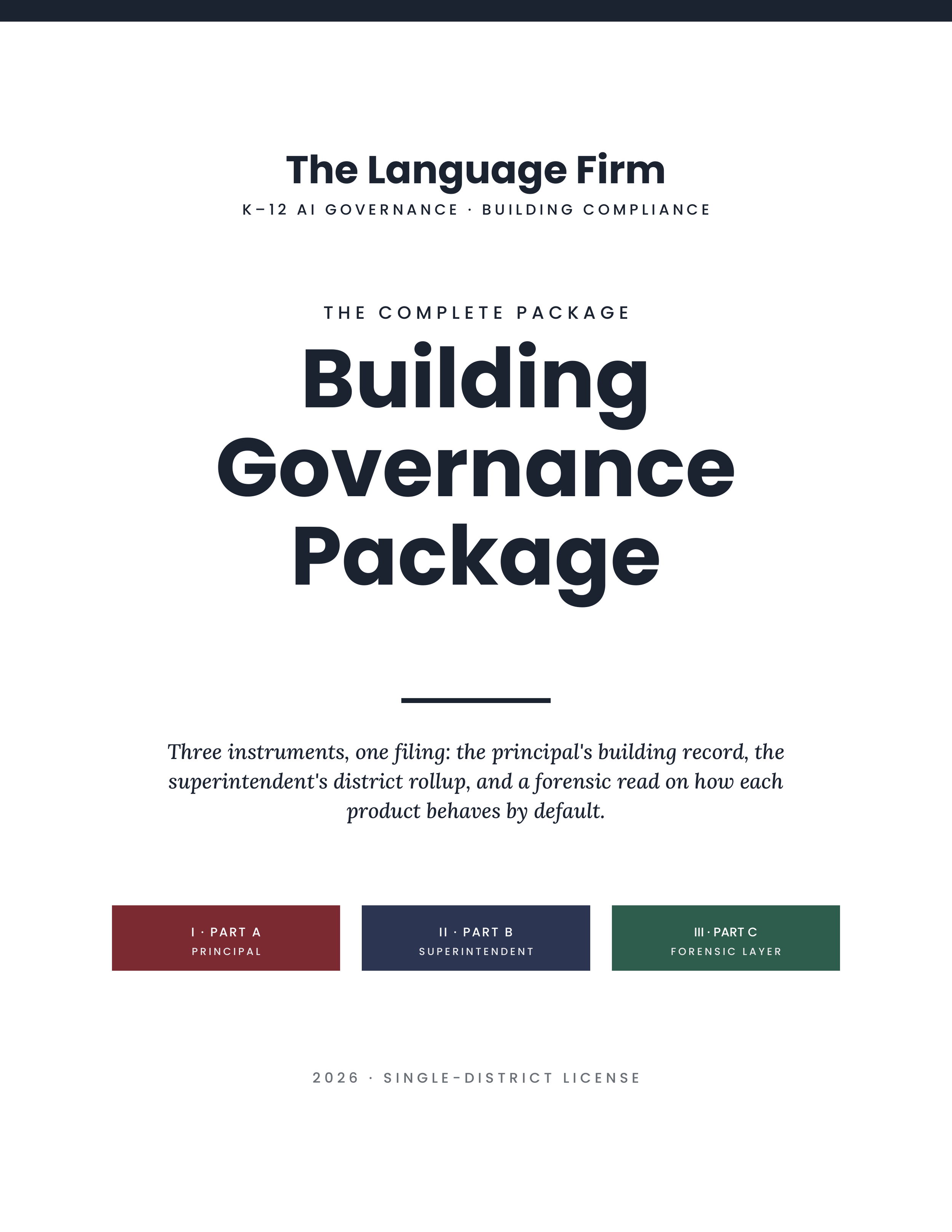
The Building Governance Package gives a district one defensible compliance record, filed each semester and kept live across the year. No new software or logins necessary. It works in three layers:
Part A, the principal's building product registry and parental-notification log
Part B, the superintendent's district rollup
Part C, Default Settings Finding & Register: a per‑product posture finding on default behavior, graded against the federal floor, backed by a living register that logs every change over time
The glossary to help you define key terms across the package
Each package comes with one master PDF that contains all five components, as well as a separate copy of each tool (4 PDFs + 1 Excel Workbook, compatible with Google Sheets).
The master PDF ships with the Default Settings Finding & Register, an editable Excel workbook, attached right inside. To reach the workbook:
Open the PDF in the free Adobe Acrobat Reader (or Preview on macOS)
Click the paperclip (Attachments) icon in the sidebar
Save the workbook to your district's Google Drive or OneDrive, where it opens in Sheets or Excel
Note that the built-in PDF viewers in Chrome and Edge do not show attachments, so use a full reader like Acrobat to find it
The register keeps one row per product with its current posture (A, B, or C) and a Change Log that catalogues every default-settings change as it happens, so a vendor quietly flipping a setting is caught the moment it occurs. Review dates and status flags calculate themselves, so the workbook stays current with little upkeep.
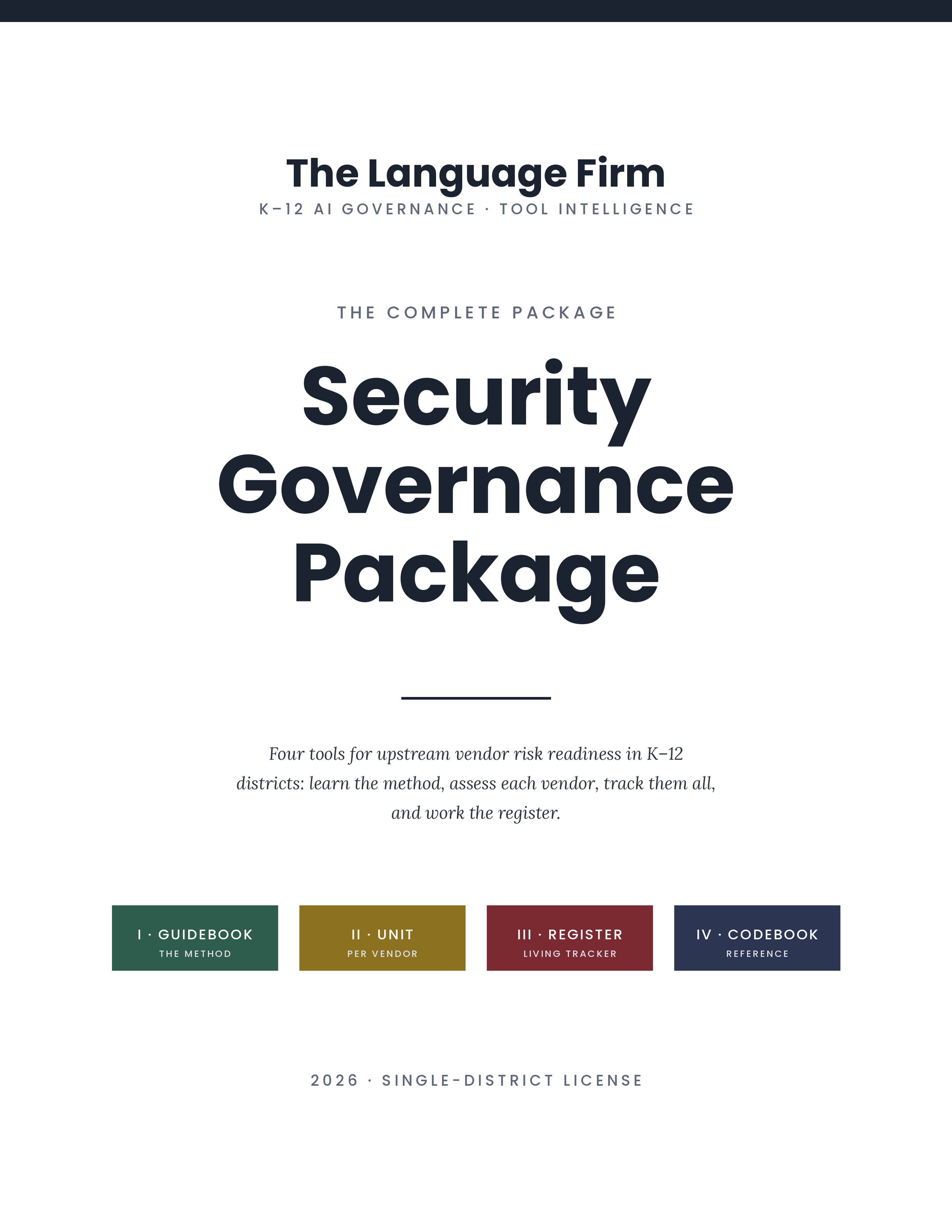
The Security Governance Package gives a district one defensible readiness record for every vendor, built at adoption, refreshed on each vendor's review cycle, and kept live across the year. It works in four tools:
Tool I, the Guidebook that teaches the readiness method with a worked example
Tool II, the Vendor Readiness Unit completed per vendor through Sections A to F
Tool III, the Vendor Readiness Register that tracks them all
Tool IV, the Register Codebook for reading and working it
Each package comes with one master PDF that contains all four tools, as well as a separate copy of each tool (4 PDFs + 1 Excel Workbook, compatible with Google Sheets).
The master PDF ships with the Vendor Readiness Register, an editable Excel workbook, attached right inside. To reach the workbook:
Open the PDF in the free Adobe Acrobat Reader (or Preview on macOS)
Click the paperclip (Attachments) icon in the sidebar
Save the workbook to your district's Google Drive or OneDrive, where it opens in Sheets or Excel
Note that the built-in PDF viewers in Chrome and Edge do not show attachments, so use a full reader like Acrobat to find it
The register keeps one row per vendor with its verdict (Ready, Ready with conditions, or Not ready) and a Dashboard that recounts itself as rows change, so the vendors the district could not respond to if a breach hit tomorrow are visible at a glance. Open critical flags and next-review dates calculate themselves, so the workbook stays current with little upkeep.